 Pillarbox
Get your
inbox back.
Clear years of clutter from your mailbox in a few taps, then read what's left like your messages.
For iPhone · Gmail, Outlook, iCloud Mail and Yahoo Mail · In private testing
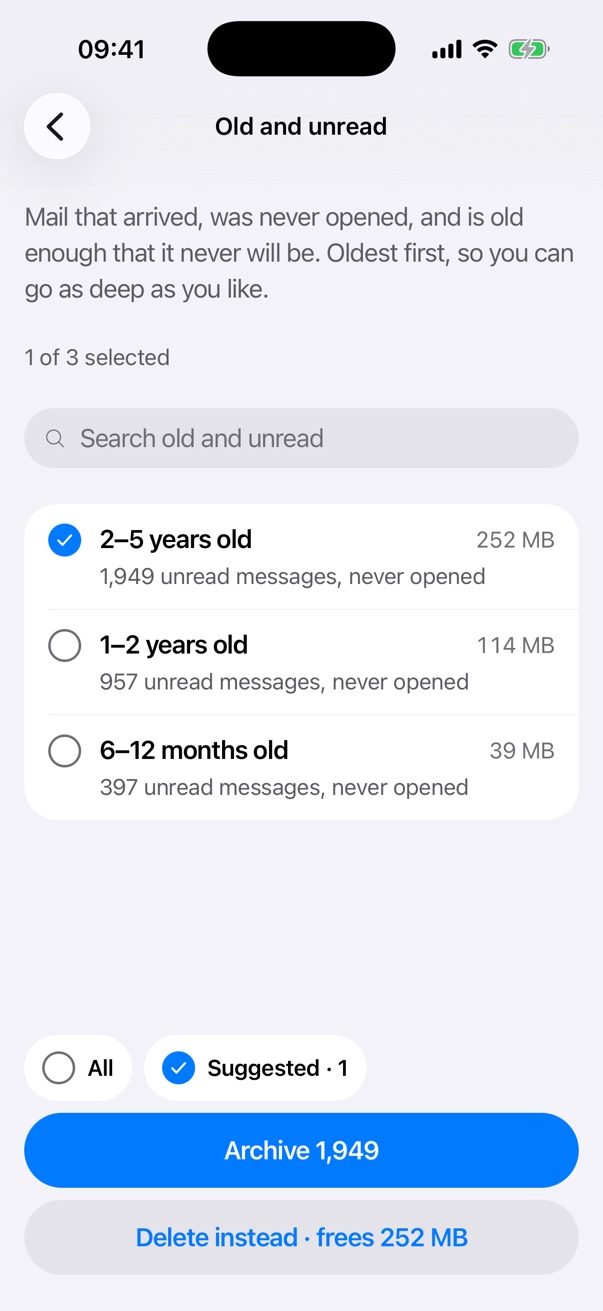
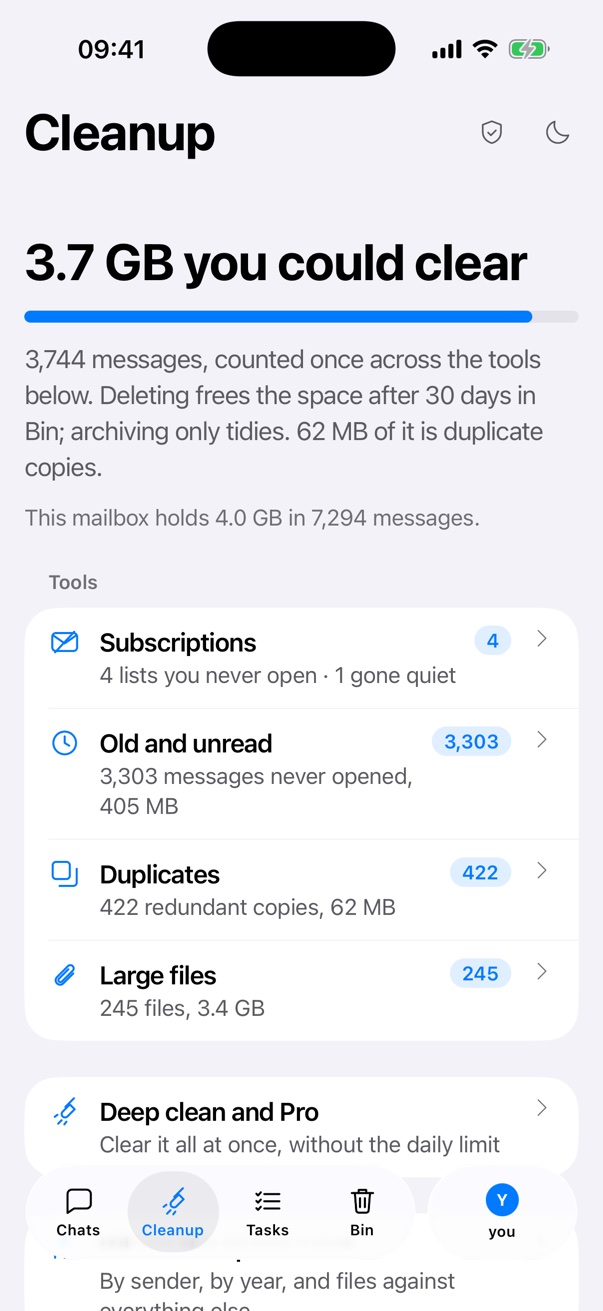
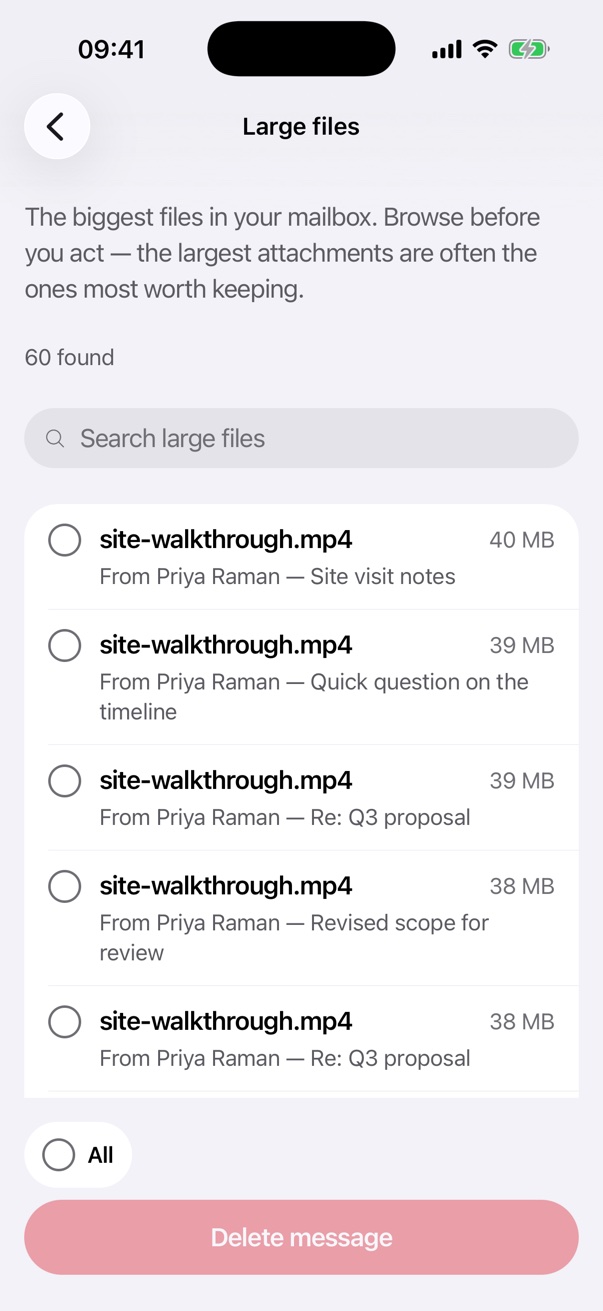
Screens show Pillarbox's built-in demo mailbox. None of it is anyone's real mail.
Find what your mailbox is actually full of.
Pillarbox reads through your whole mailbox, then sorts the clutter into four piles, each showing why it's there.
-
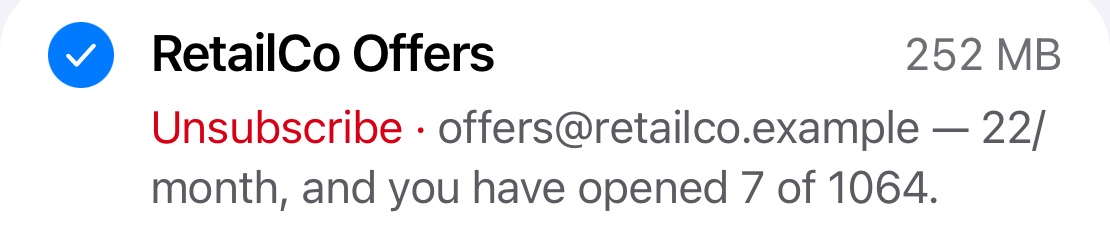
Subscriptions
Mailing lists ranked by how much they send against how little you open. Unsubscribe in one tap where the sender supports it.
-
Old and unread
Years of mail you never opened, grouped by age, oldest first.
-
Duplicates
The same email delivered twice: same sender, same subject, same size, within hours of each other.
-
Large files
The attachments taking up the most room. Never ticked for you, because the biggest files are often the ones worth keeping.

Then it reads like Messages.
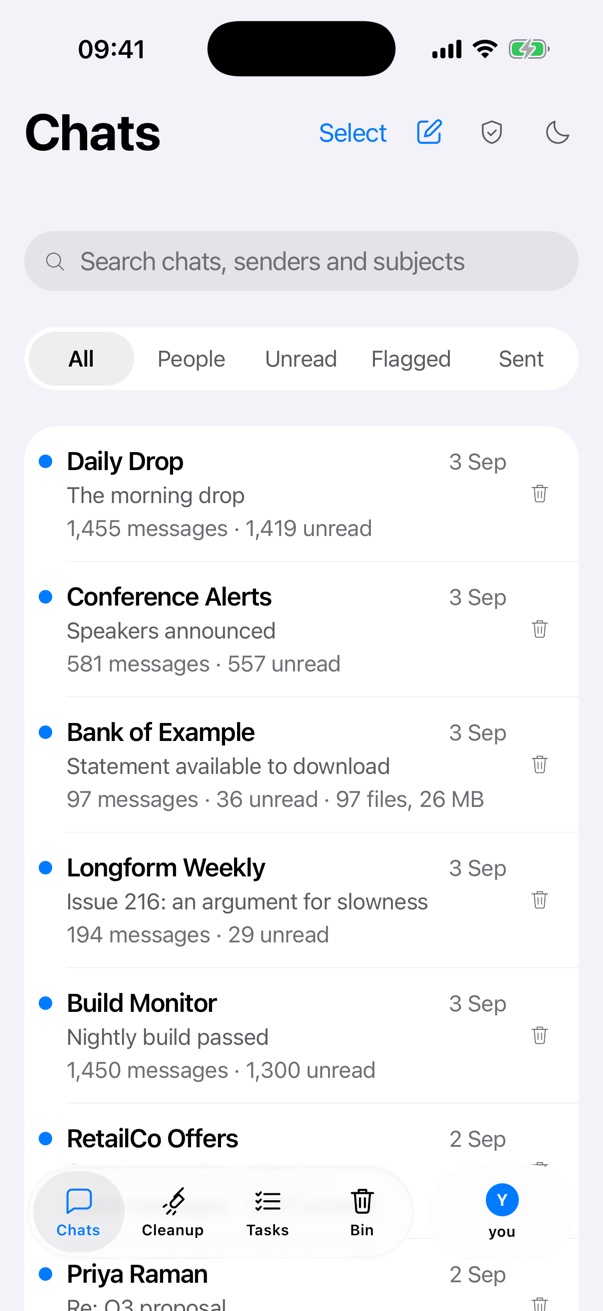
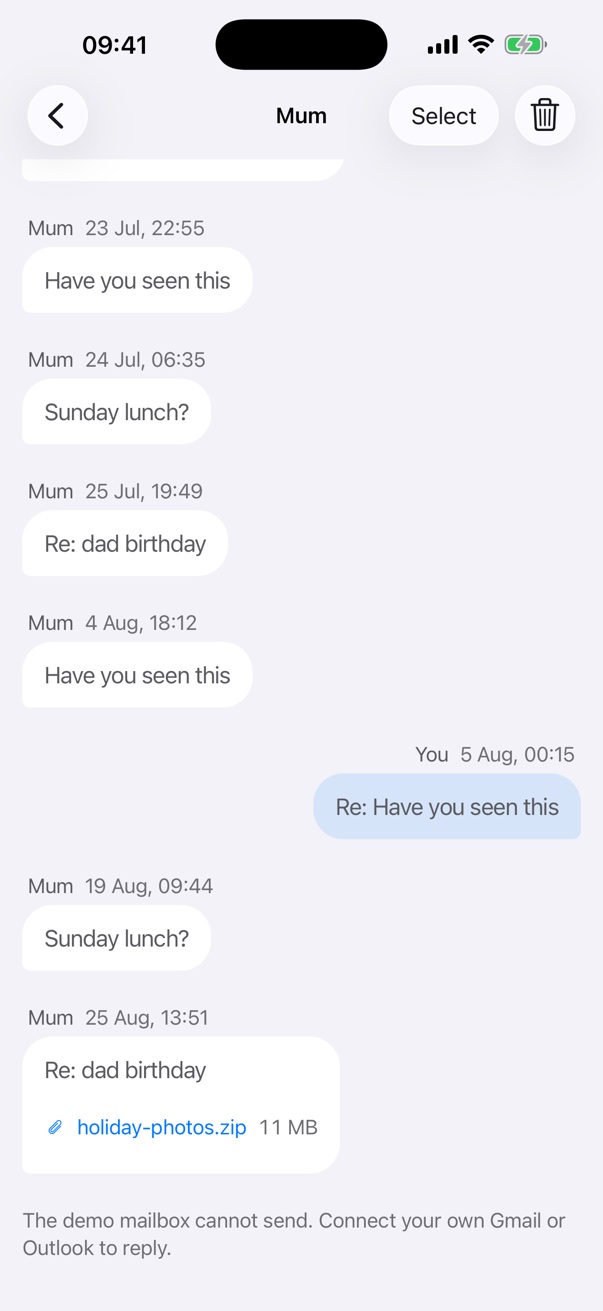
Everything you keep becomes a chat. One per person, one per company, newest at the bottom.
- One chat per person or company. Mum gets a chat, your bank gets a chat, however many addresses they send from.
- Reply, forward, attach. Write new emails and replies with files, and get ten seconds to undo a send.
- The filters you'd want. People, Unread, Flagged and Sent, one tap away.
Nothing's gone until you say so.
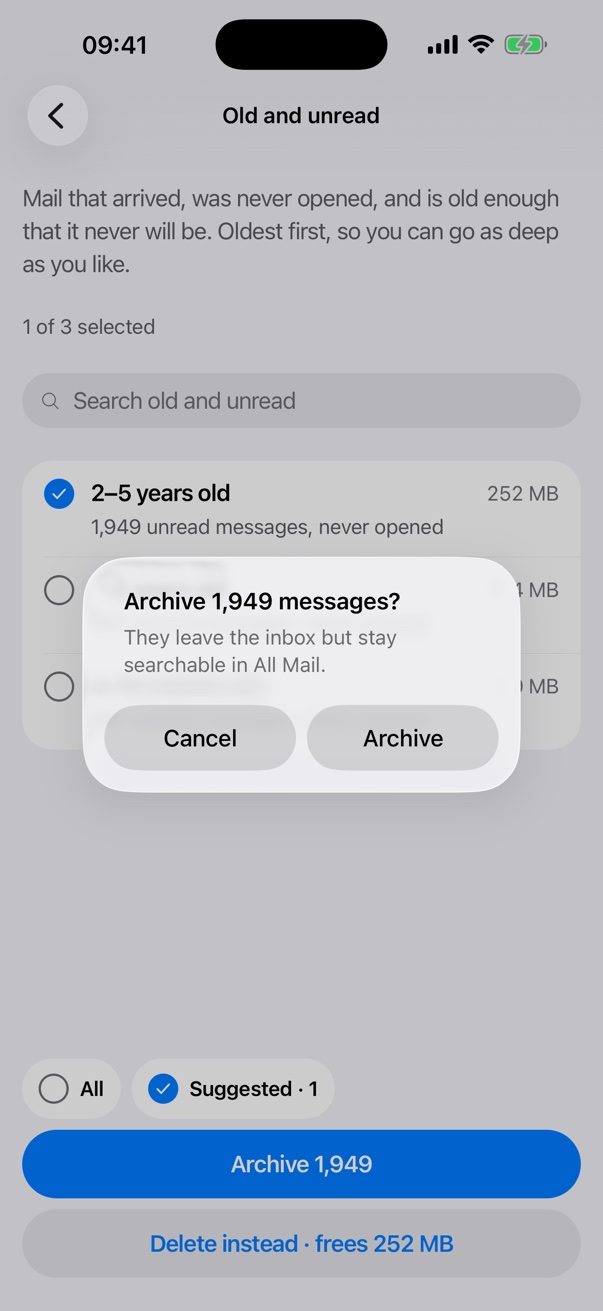
Undo it
Archiving, binning and marking as read can all be undone from the app.
30 days in the Bin
Binned mail goes to your provider's Bin, where it's kept for about 30 days.
Your call
Mail is only deleted for good when you choose Delete forever in the Bin yourself.
Your mail stays yours.
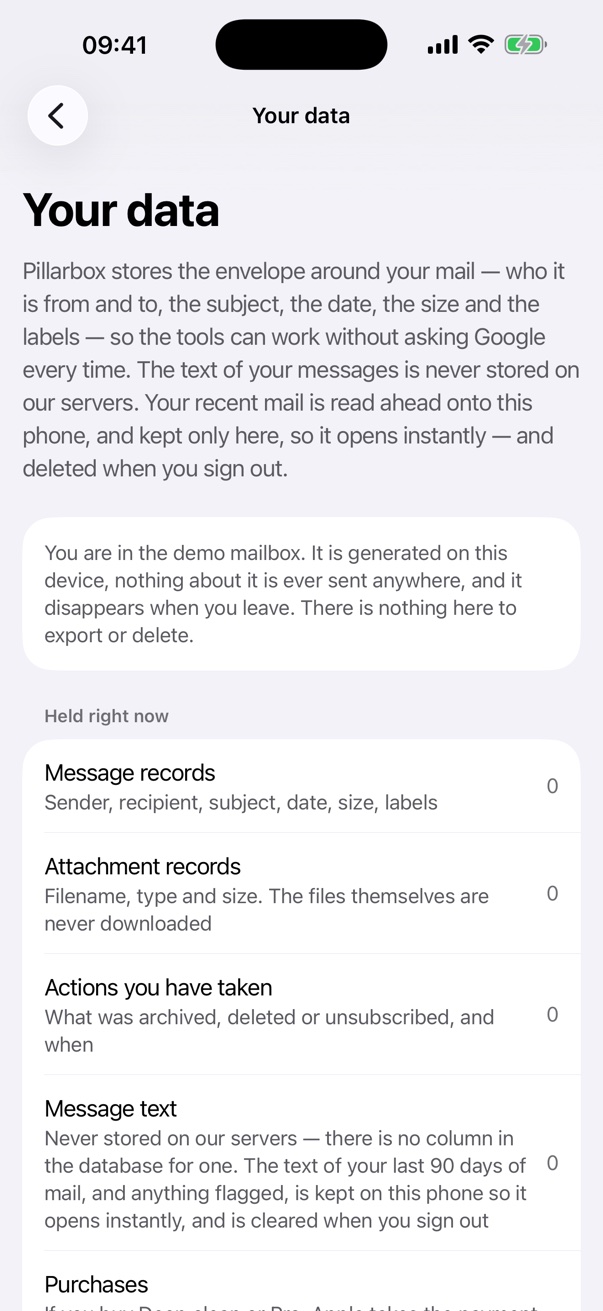
Pillarbox needs access to your mailbox to tidy it. Here's exactly what that means.
No message text on our servers
Our server keeps what it needs to sort your mail: sender, subject, date and size. Never the text of your messages.Recent mail stays on your iPhone
Message text is kept in the app's private storage so it opens instantly, and deleted when you sign out.No ads, no tracking, nothing sold
Your mail runs the features you see and nothing else. It's never sold, never shown to advertisers and never used to train AI.Take it with you, or delete it
Download everything we hold about you, or disconnect a mailbox and delete its data, from inside the app.
Pillarbox's use and transfer to any other app of information received from Google APIs will adhere to the Google API Services User Data Policy, including the Limited Use requirements.
Want in early?
Pillarbox is in private testing on iPhone. Send us a line and we'll add you to the beta.
Join the beta